
For the coding agents on your computer
Every agent.
The real terminal.
In your pocket.
See which agents are working, which need you, and which are done. Answer from your phone and the agent carries on in the same session.
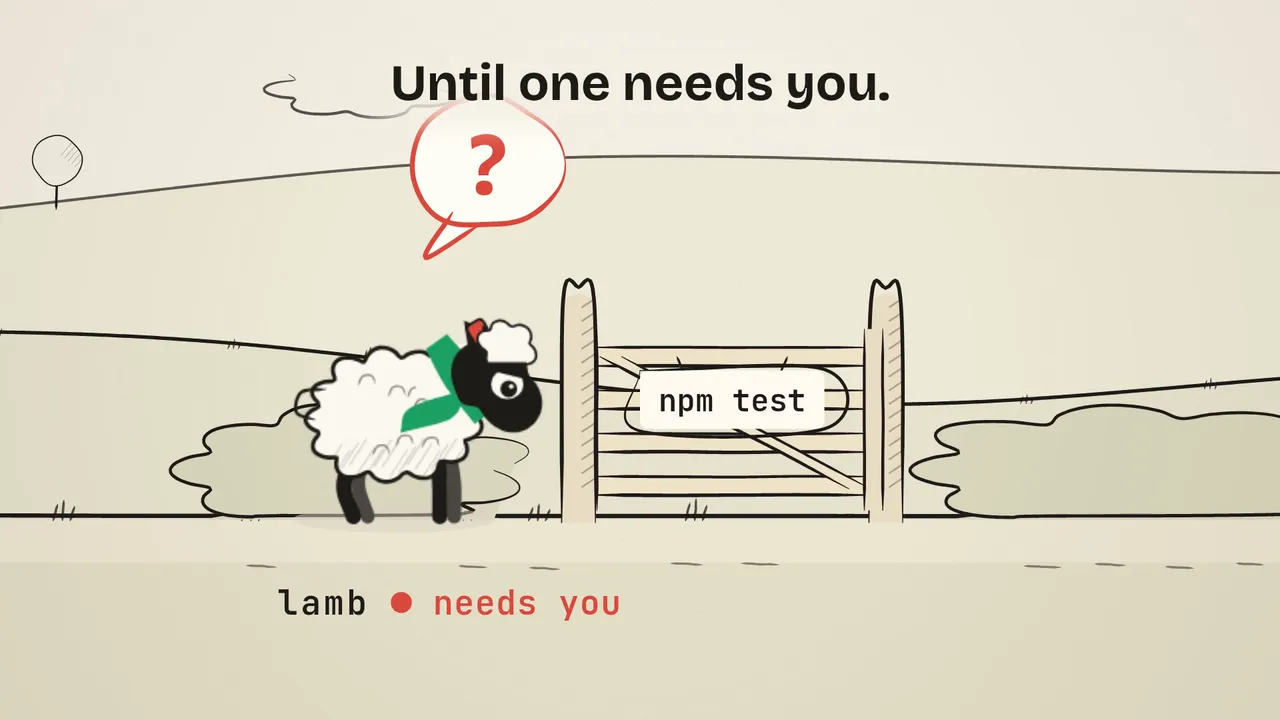
Tales from the Herd, No. 1: The Gate. A lamb waits at npm test. You answer from the train.
workingneeds youdone

Tales from the Herd
Your agents are the herd.
Each sheep is a coding agent on your computer. Seven short films, seven ordinary moments, each beside the real screen that handles it.
No.1The Gate
You’re on a train, and one agent needs a yes.
Its question reaches your lock screen. Tap it to open the agent’s own terminal, where the answers are buttons, and tap 1 Yes.
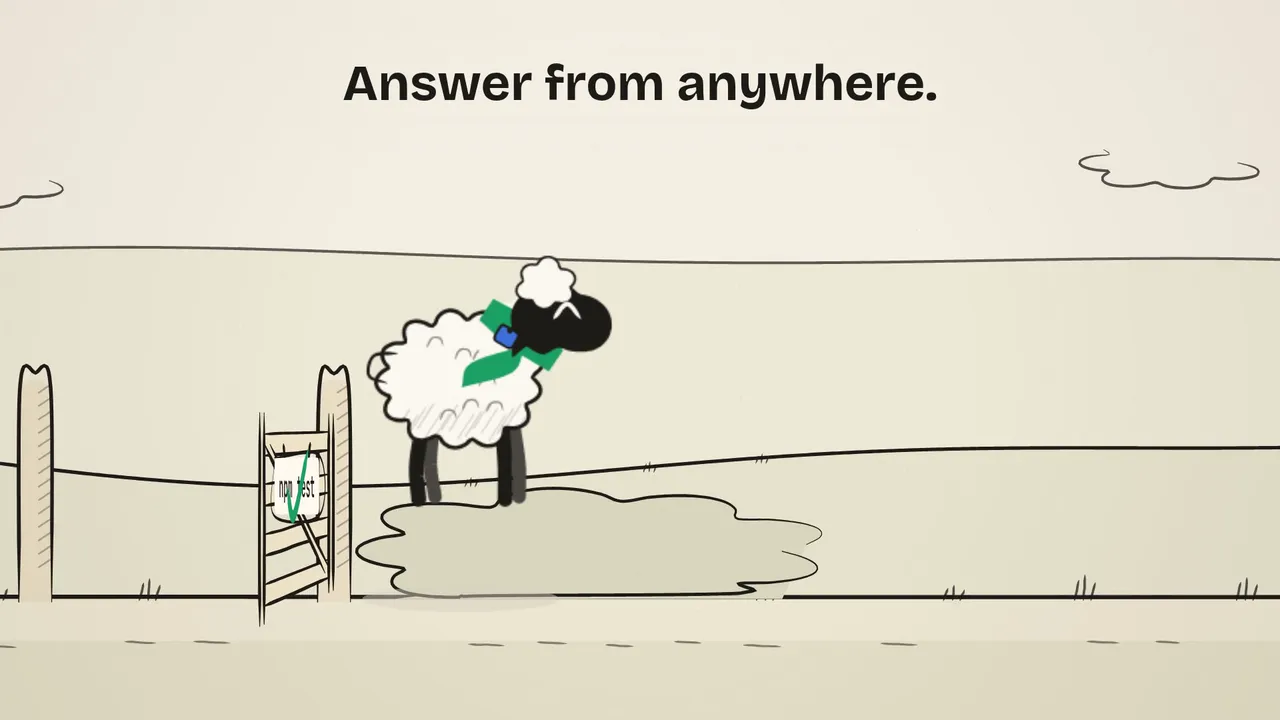
It runs the tests and keeps going. You stay on the train.
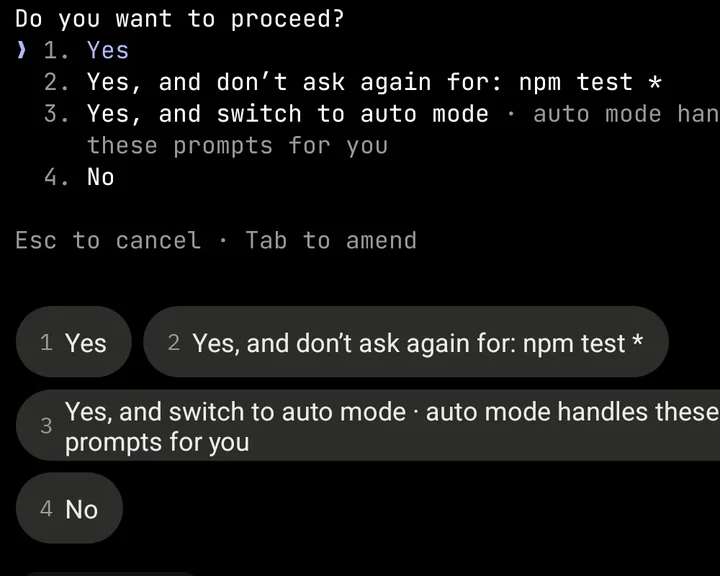
lamb · needs youIn the app 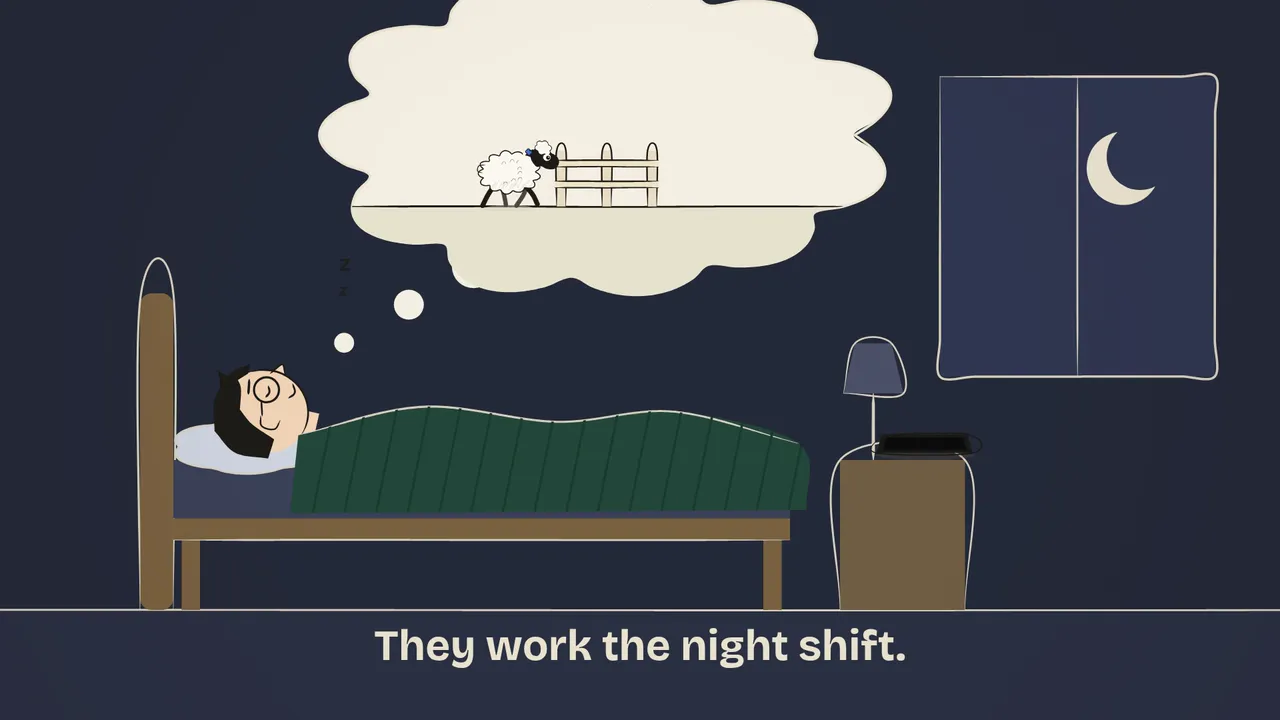
No.2Good Morning
You left three agents working overnight.
Over coffee, open Home. Ready · unseen lists what finished while you slept, and Right now shows how much of your plan is left.
You know where the day starts before you reach your desk.
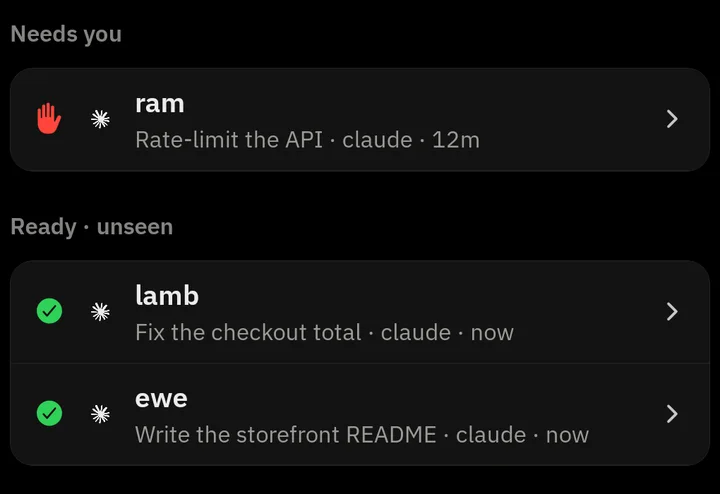
lamb, ewe · doneIn the app 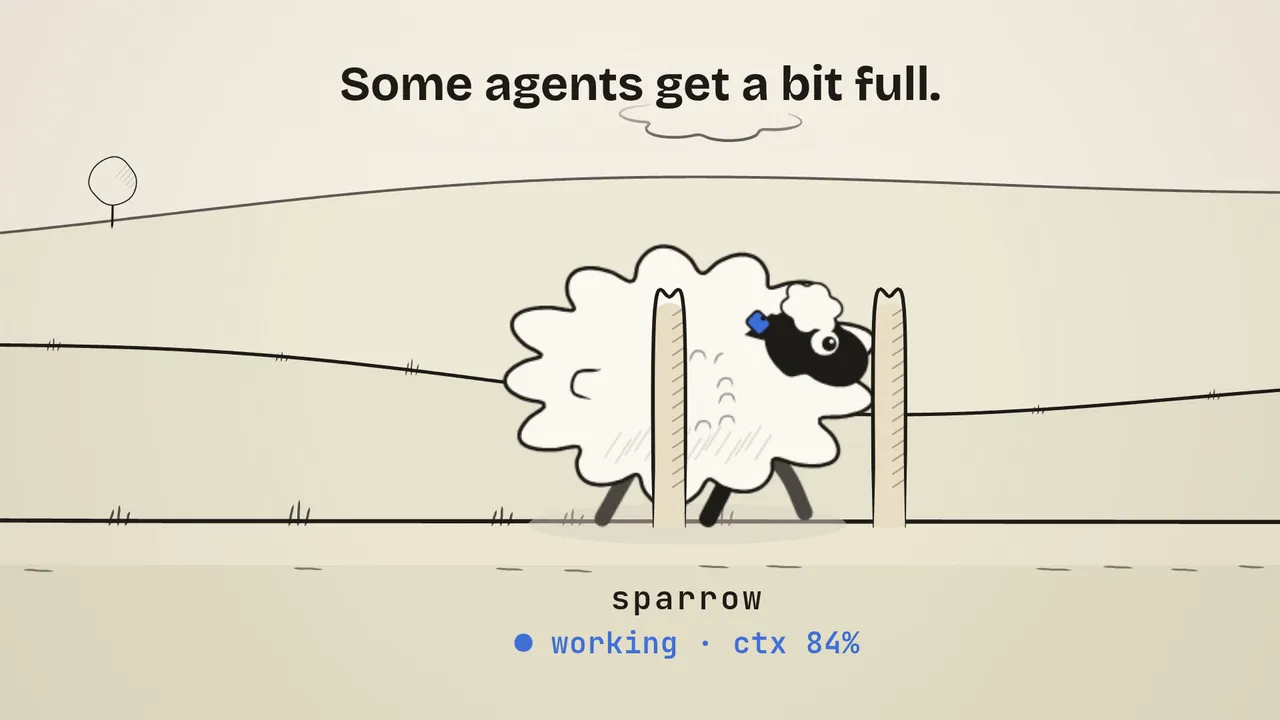
No.3The Shearing
An agent’s context is nearly full, and it’s slowing down.
Open its commands and tap /compact, or any command you’ve saved.
It carries on lighter, in the same session.
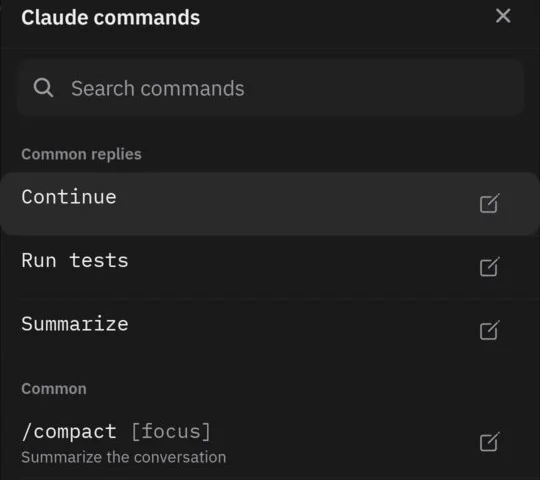
sparrow · workingIn the app 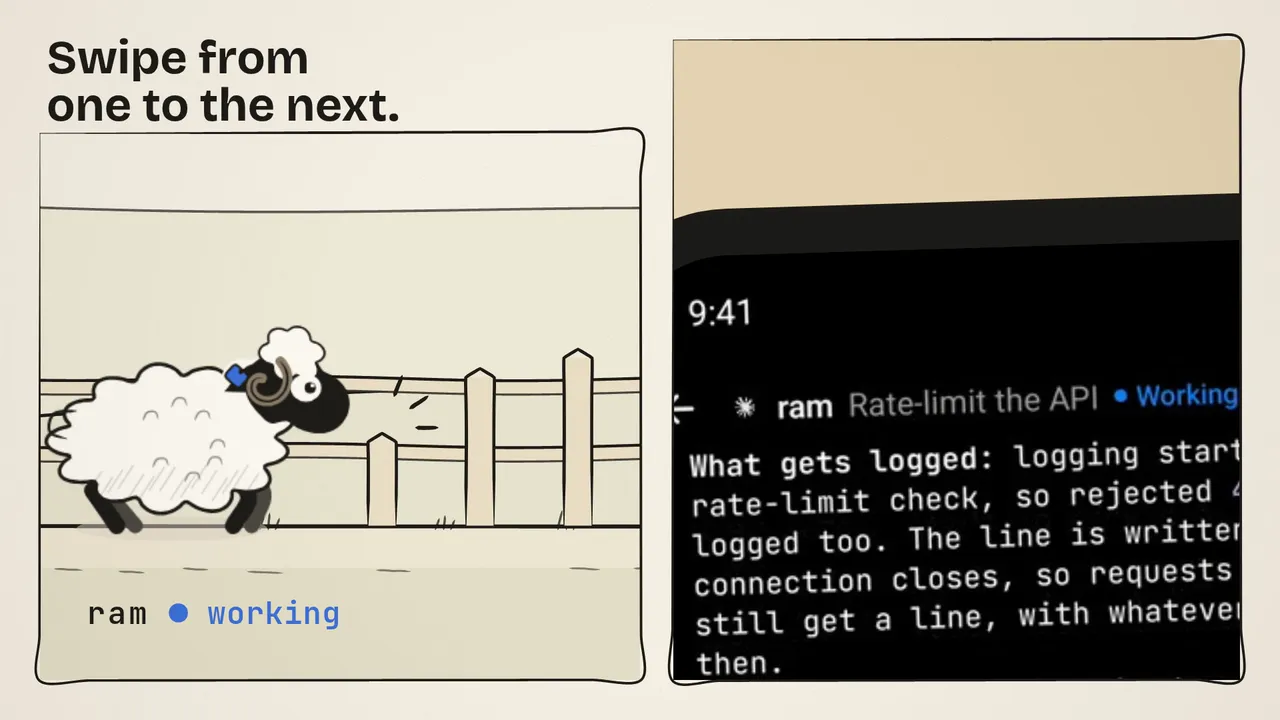
No.4The Line-up
Your train is two minutes away, and three agents are working.
Open one agent’s terminal and swipe between agents: sideways to the next, then the next.
All three checked before the train pulls in.
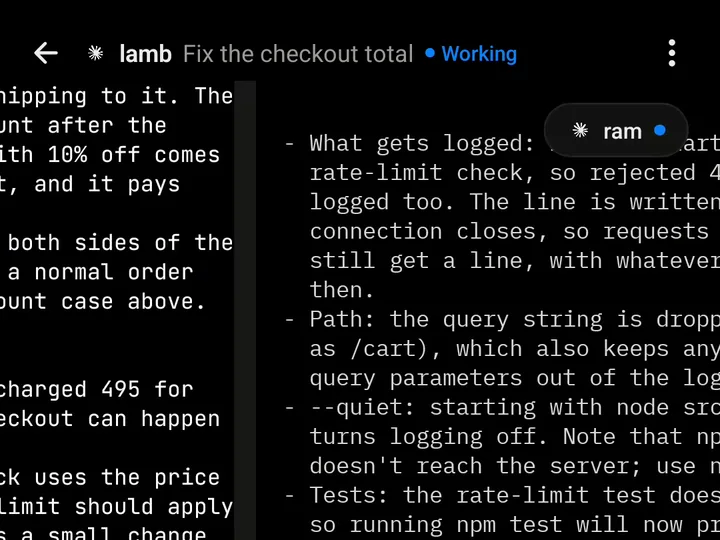
lamb → ram · workingIn the app 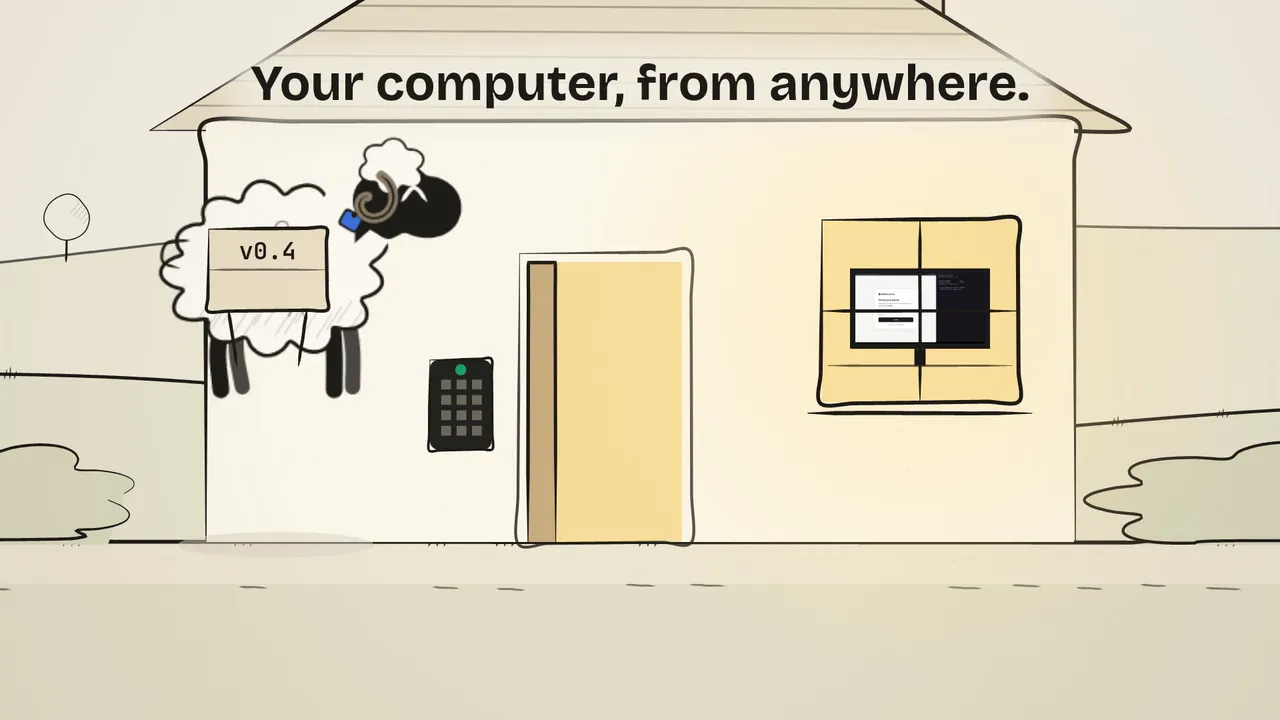
No.5The Farmhouse Window
You’re at the beach, and a deploy at home is stuck on a sign-in code.
Open the agent’s menu and tap Computer. Your desktop appears live: tap the code box and type the code with your phone’s keyboard.
You’re signed in, the deploy finishes, and you never left the beach.
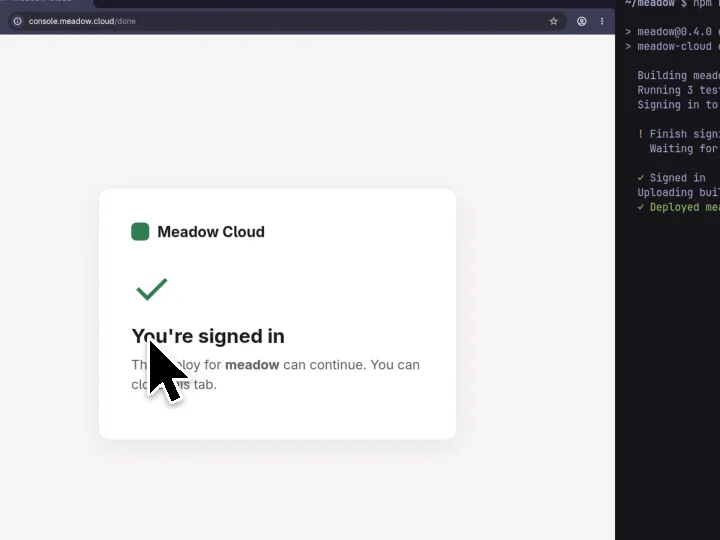
Computer · signed inIn the app 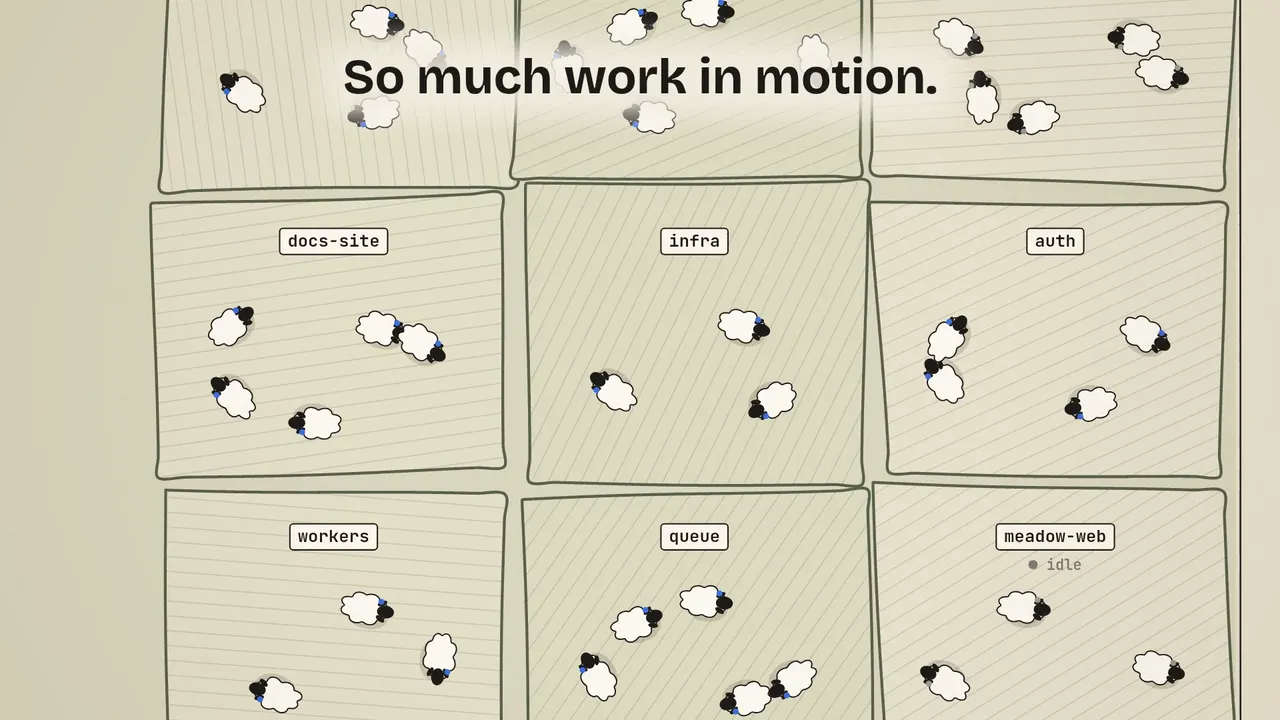
No.6The Whole Farm
Twenty projects on two machines, and three agents waiting for work.
Home groups every agent by project. Open one and type its next task, say it, or tap a saved command.
Every field is moving again, from one hand.
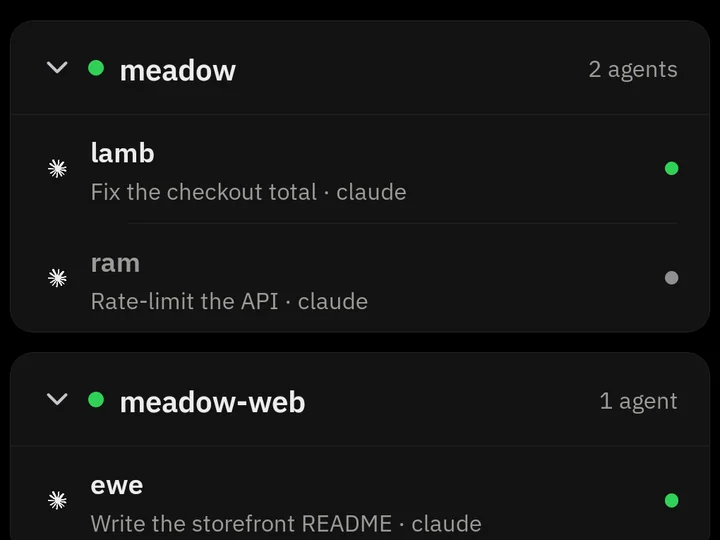
meadow, meadow-webIn the app 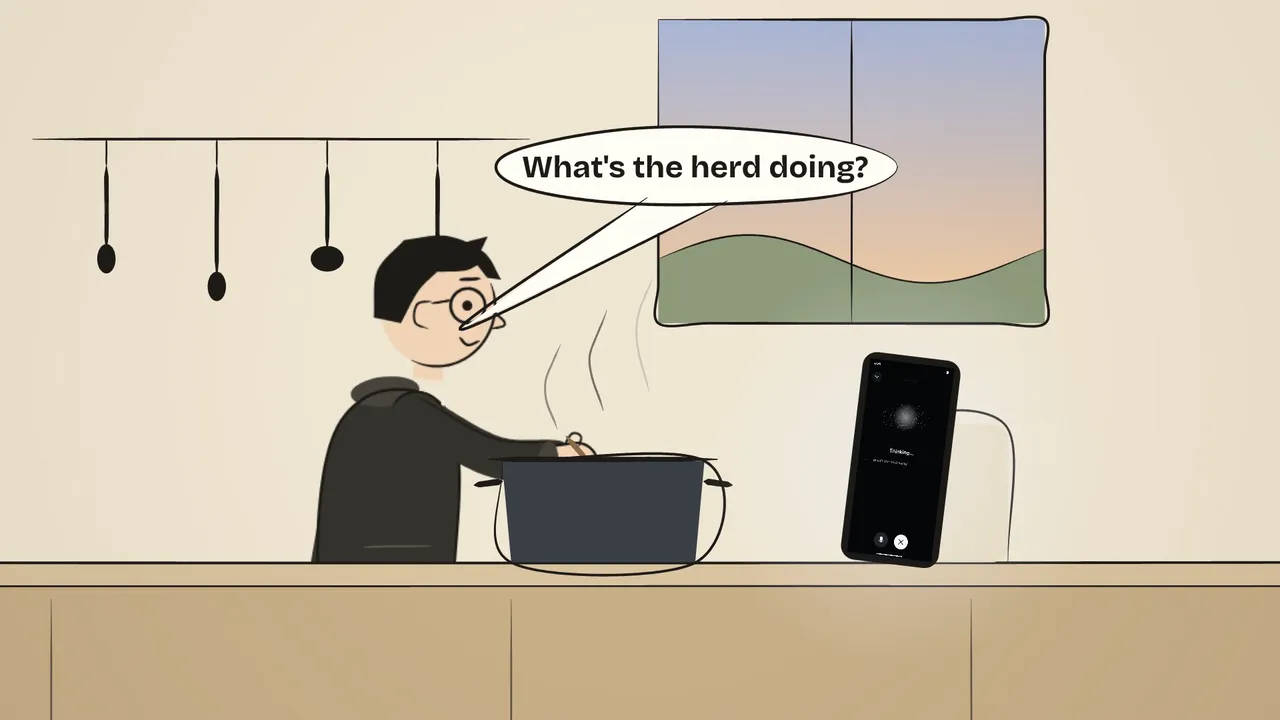
No.7Talk to the Herd
Your hands are full, and you want to know how the herd is doing.
Start a voice session and ask what the herd is doing. It answers agent by agent, and you say what one should do next.
Lamb opens the pull request. No screen needed.
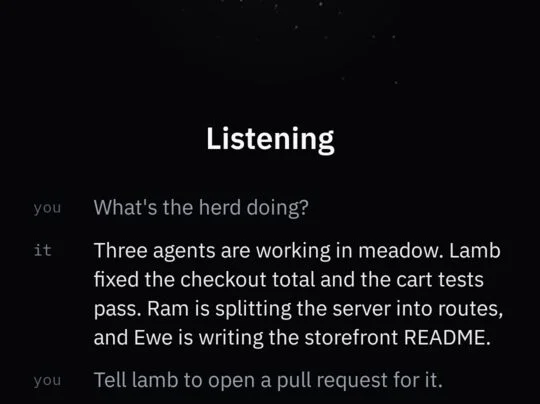
Voice · listeningIn the app
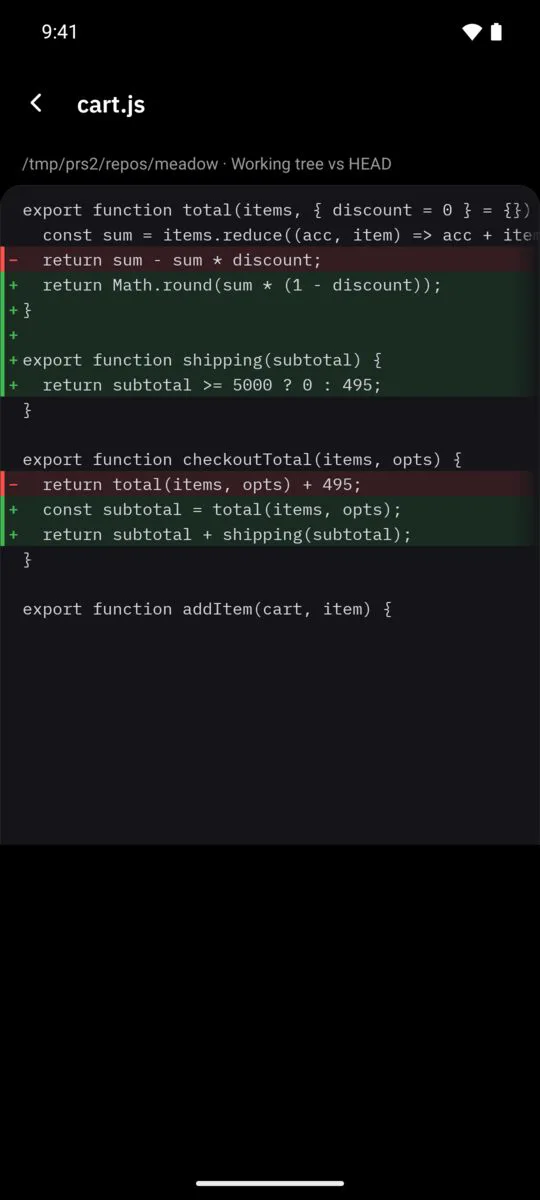
Review before it ships
An agent says it’s done, and you’re away from your desk.
Open its changes and read the real diff, every line: the working tree, what’s staged, or the whole branch.
Tell it to ship, or what to fix, before anything leaves your computer.
Everything else in your pocket
AnswerWhen one needs you.
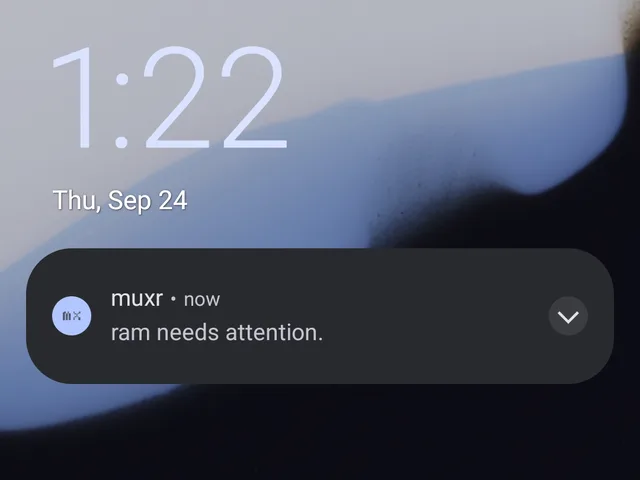 On your lock screen
A notification names the agent that needs you or has finished. Tap it to open that agent.
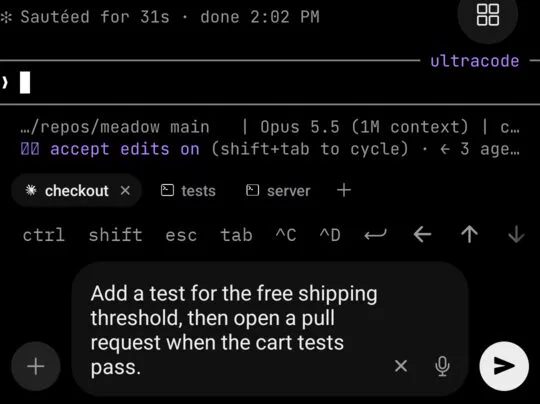 Dictate as you speak
Words land in the prompt while you talk, transcribed on your phone, for you to check before sending.
WatchWhile they work.
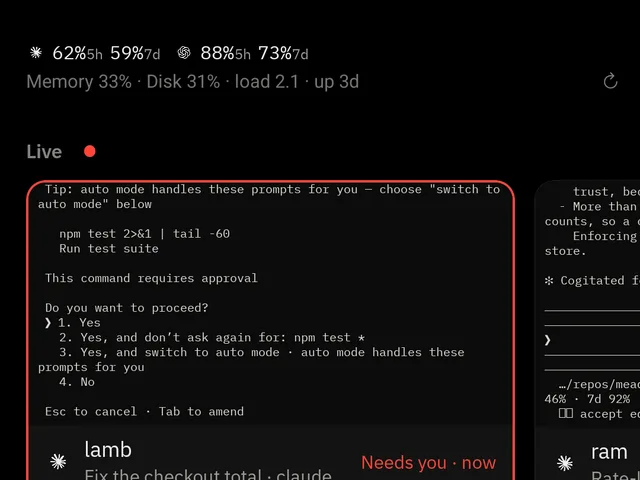 Live, at a glance
Home’s Live row shows each agent’s terminal as it runs, with the ones that need you first.
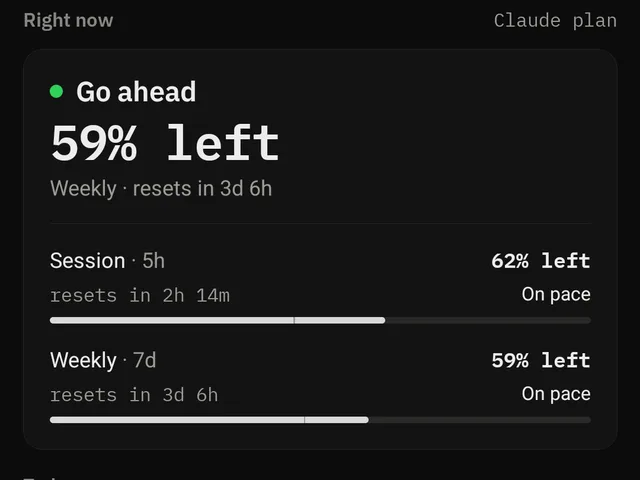 Know your limits
See how much of your Claude Code and Codex plans is left and when it resets, beside your computer’s memory, disk and load.
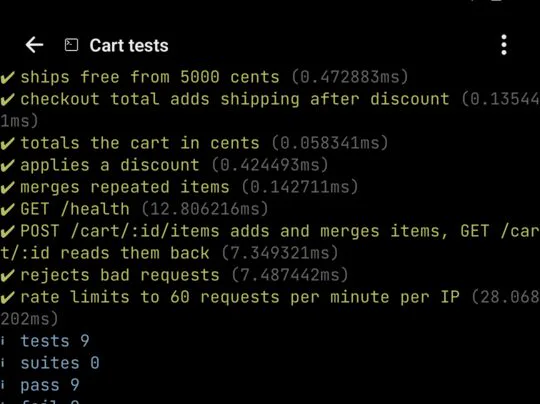 Every tab, one tap
The tabs row keeps an agent, its tests and its dev server one tap apart, and + opens a new tab on your computer.
SteerYour way.
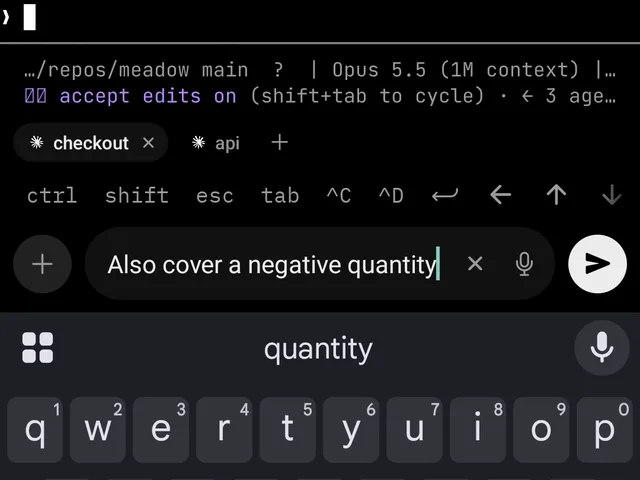 Real keys
Sticky modifiers, a key row you can reorder and add to, and your phone’s keyboard in the agent’s own terminal.
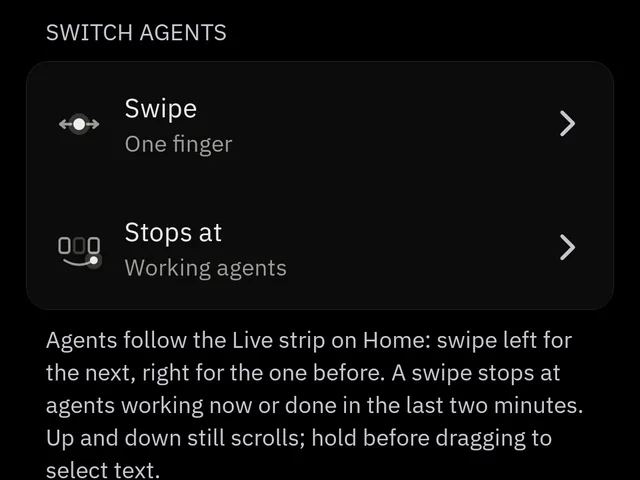 Gestures your way
Swipe between agents with one finger or two, choose where a swipe stops, and pinch to zoom the text.
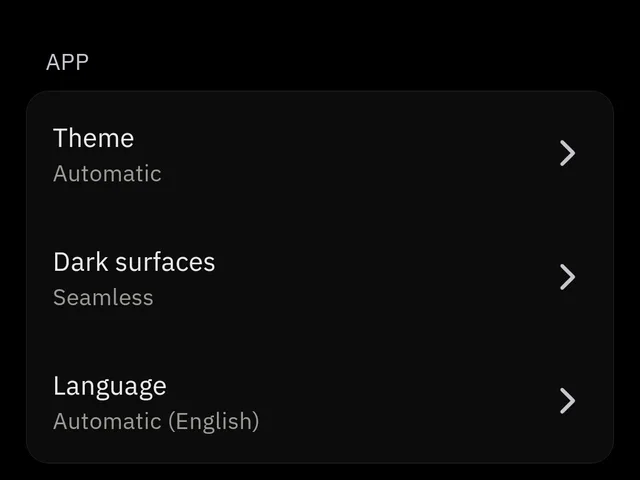 Your look
Pick seamless near-black or raised surfaces, the terminal text size, and which rows the terminal shows.
Works with the agents you already use.
- Claude Code
- Codex
- Gemini CLI
- Cursor
- GitHub Copilot
- OpenCode
- Pi
- OMP
- Cline
- Kimi
- Amp
- Grok
- Devin
- Antigravity
- Kiro
- Factory Droid
- Hermes
- Kilo Code
- Qoder
- Mastra Code
- Maki
And more. Their subscriptions, tools and repositories stay where they are.
Install and pair
Set up in three steps.
Setup inspects your machine first and changes nothing until you choose Apply.
- 1Install on your computerNeeds Node.js 22 or newer on Linux, macOS or WSL.TerminalSelect command
$ npm install -g --ignore-scripts @trymuxr/cli@latest $ muxr - 2Get the appOr pair a browser during setup, with control or view only, for eight hours. TestFlight availability depends on review and tester capacity at Apple.
- 3Scan the pairing code
muxrshows a one-use QR code when setup is ready. Scan it from the app. Quickstart →


Questions
Does muxr replace my coding agent?
No. Keep the agents already installed on your computer. muxr is how you reach them from your phone.
Can I continue the same session from my phone?
Yes. muxr opens the agent’s live terminal with its current output and context, so your next prompt lands in the same session.
Can I just watch what my agent is doing?
Yes. Tap Computer to see your screen live, over your LAN, a mesh VPN or SSH. Nothing moves until you tap to take control: the pointer follows your finger, and copy and paste goes both ways.
Does it work with a cloud server?
Yes, even when SSH on port 22 is the only way in. The server gets a virtual display, so you can see it too.
What do I need?
Node.js 22 or newer on your computer, and the Android app, iOS TestFlight or a browser on your phone. Remote desktop needs a Linux x64 host for now.
Do I need a muxr account?
No. muxr is self-hosted only. Install it on your computer or a server you control.
Open source and self-hosted
Yours to run.
Your agents, code and keys stay on your computer. muxr is how your phone reaches them.

Plugin platform
Add the screens you want.
Plugins add native screens to the app. Any backend code runs on your computer.